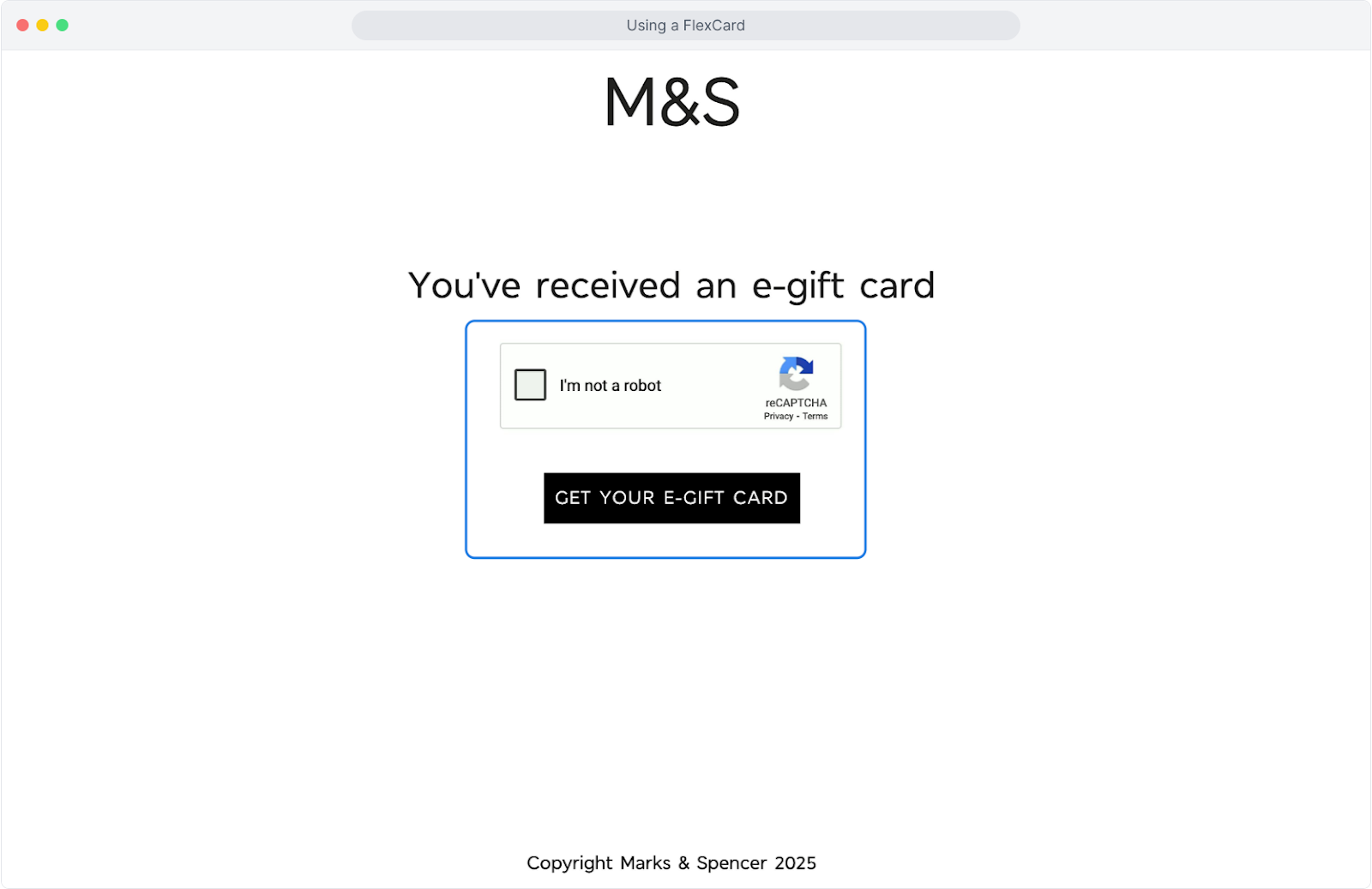
- Three ways to access your FlexCard:
1 Open the email received and click 'Redeem now''
2 Scan the QR code in the PDF
3 Click the link under the QR code
- Choose the retailer(s): FlexCards can be spent all in one place or across brands in whatever desired amounts until the money runs out.
- Confirm your choices: once swapped for retailer e-gift cards, they’re set. No refunds, no swapsies.
- Enjoy your treats! Use your e-gift cards online or in-store, depending on the retailer.
👋 Handy tip: Keep your GiftRound email secure: you’ll need it to view your cards, check expiry dates, or spend any leftover balance.
See more details in the steps below:
1. The balance of the FlexCard shows underneath the envelope
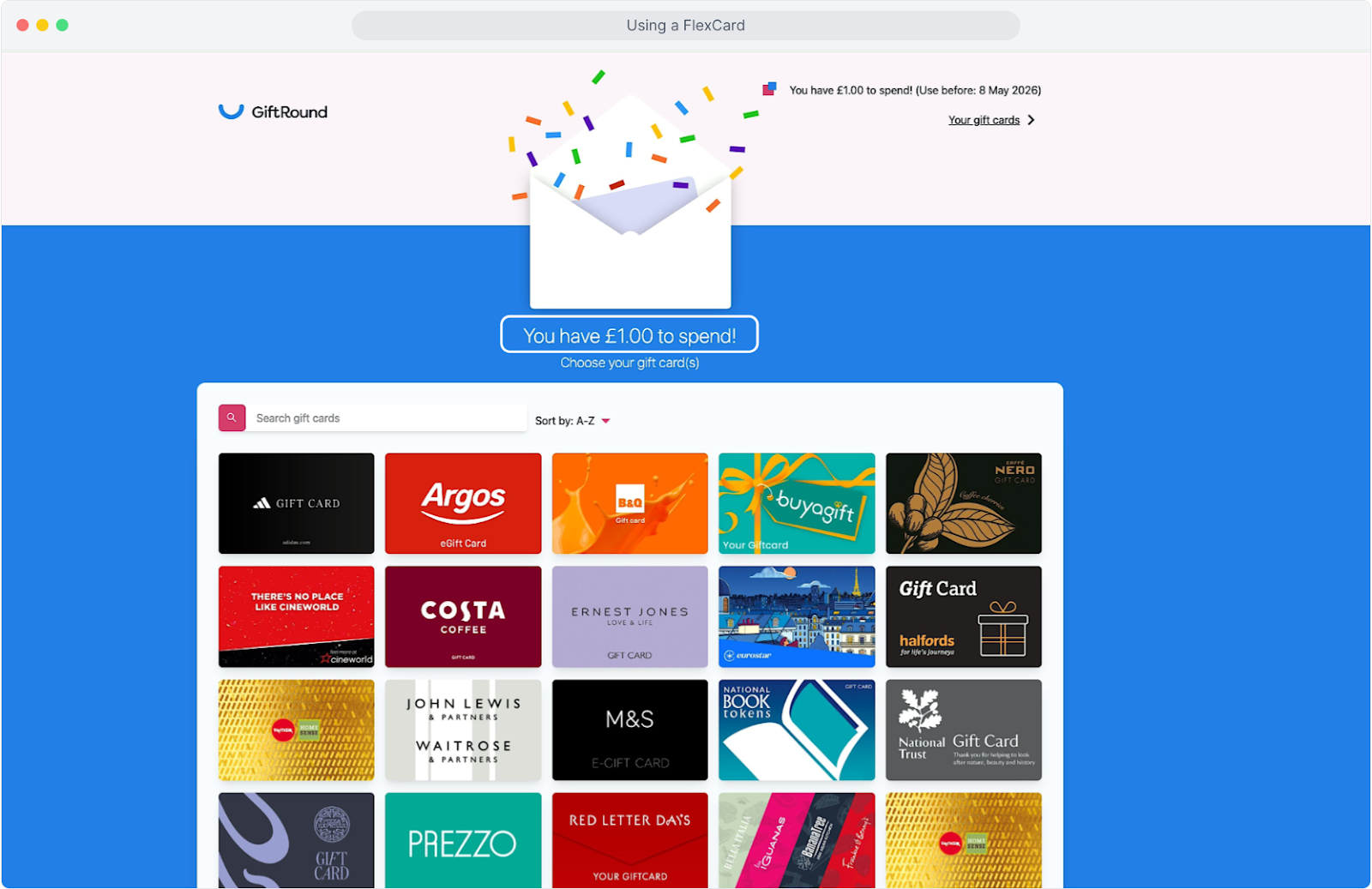
2. Choose the brand(s) you'd like, you can keep swapping in your preferred amounts until the money runs out.
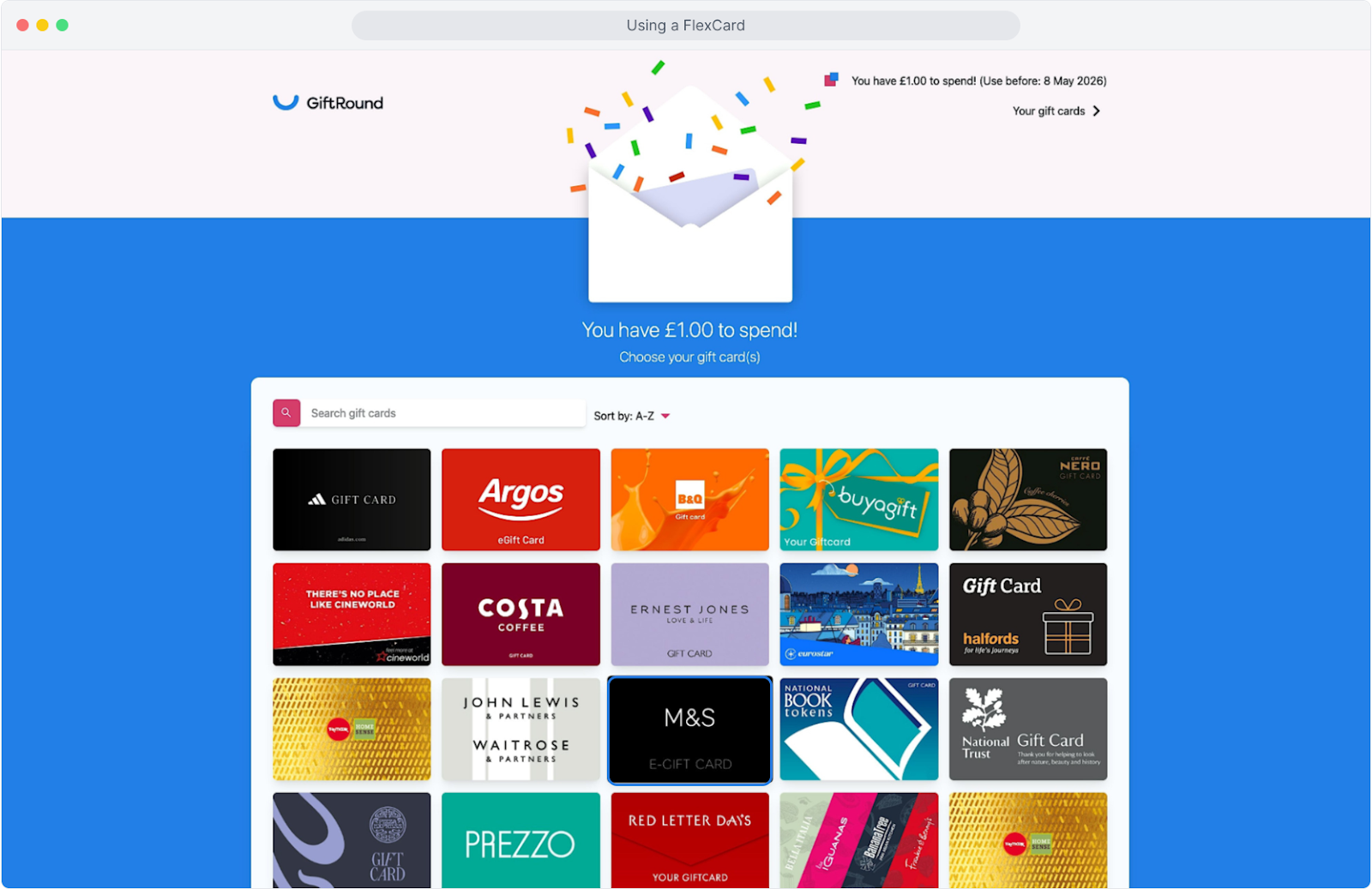
3. Enter the amount to swap and then click 'purchase'
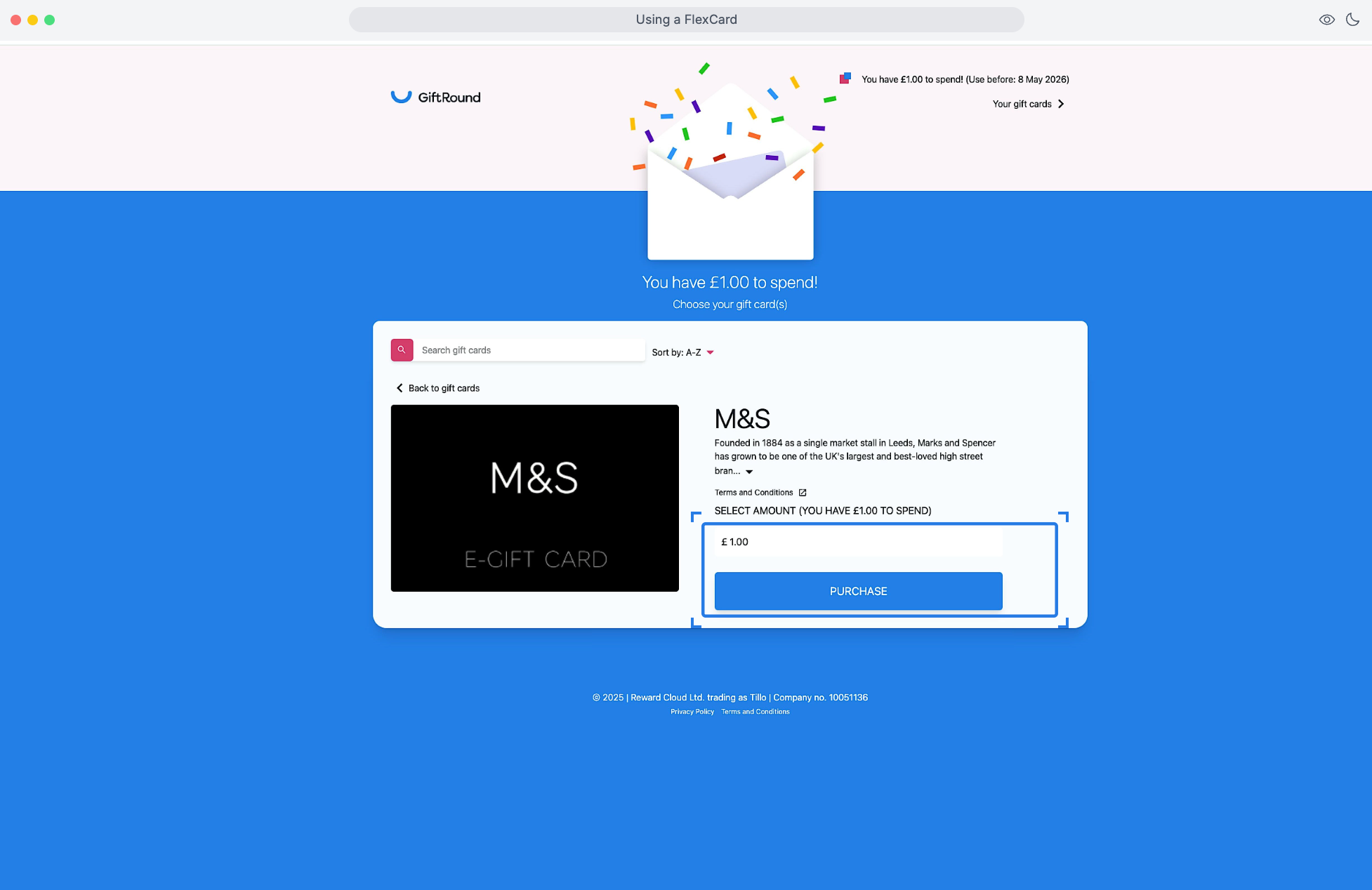
4. Confirm your choice by clicking 'Purchase.' Swaps can't be undone so choose this when you're certain of your brand choice and the amount to swap. You can simply repeat this across the 95+ brands until your money runs out.

5. View swaps made and the FlexCard expiry date here.

6. Return to swap options here.

7. View card details here for in store and online use
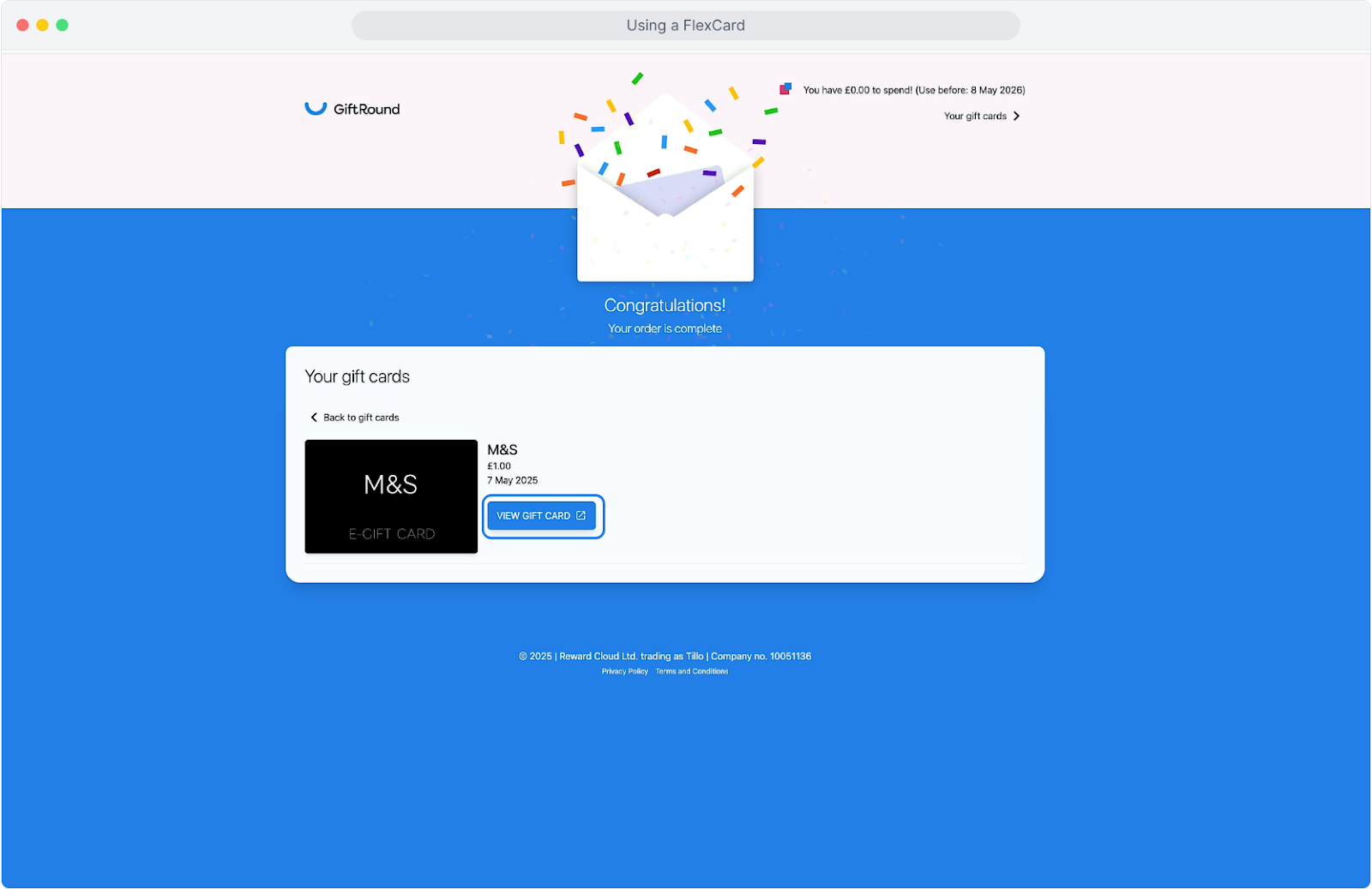
8. Each brand varies slightly, click to begin using, happy spending!